
CallGet a free quote

How To Separate Emergency Plumbing Leads From Planned Project Leads

A plumbing lead-generation guide on splitting urgent calls from planned projects so the page, CTA, and tracking match the real job.


By Rob Gillan

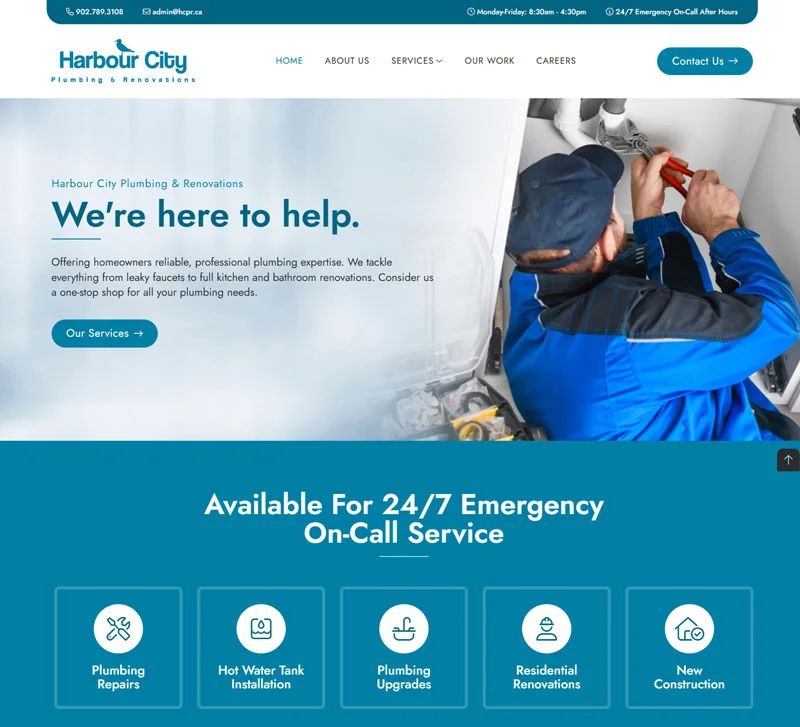
Plumbing website screenshot

Emergency plumbing leads and planned plumbing leads should not land on the same experience

Someone searching for a plumber at 11 p.m. because the basement is taking on water is making a very different decision than someone comparing quotes for a water heater replacement. If both people land on the same page, see the same CTA, and fill out the same form, the website usually under-serves both.

Google Ads says ad quality reflects the experience users have with the ad and the landing page, and it highlights ad relevance and landing page experience as key diagnostics.1 Google also says effective landing pages are key to getting conversions from Google Ads traffic.2 For plumbing campaigns, that is a strong case for separating urgent intent from planned-project intent at the page level.
Give urgent plumbing traffic a call-first path

Emergency pages should feel fast and decisive:

  • a plain-language headline
  • visible phone number
  • service-area confirmation
  • reassurance that the company handles urgent issues

This kind of visitor is not usually looking for a long brand story. They want to know whether you can help, whether you serve their area, and how quickly they can reach a person.

In our experience, emergency pages perform best when the page removes decisions instead of adding them.

Planned project pages should support a more considered decision

Water heaters, rough-ins, renovations, and fixture upgrades usually benefit from a calmer page. The visitor often wants to compare options, understand what the company does, and start an estimate conversation without feeling rushed.

This is where you can afford a more consultative CTA, stronger explanatory copy, and a little more context around how the project works. The point is not to make the page longer for its own sake. The point is to make the page fit the decision the person is actually trying to make.

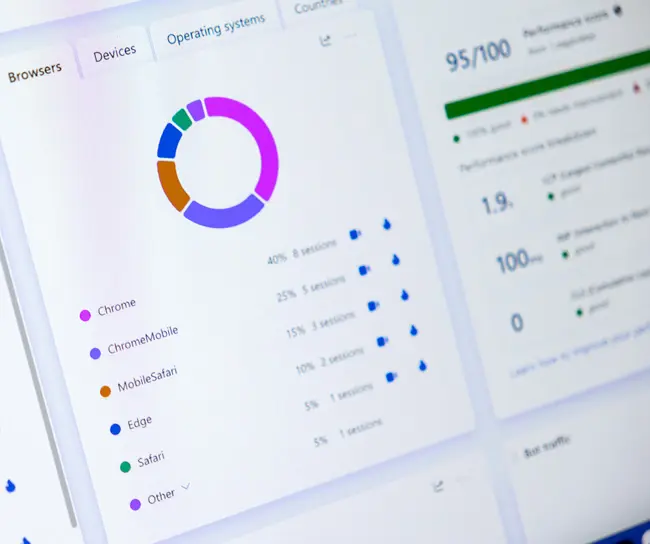
Analytics dashboard representing lead tracking

Track the two lead types separately or your reporting gets muddy fast

Google says conversion tracking shows what happens after a customer interacts with your ads, including whether they called your business, and helps you learn which keywords, ads, ad groups, and campaigns drive valuable customer activity.3 Google also says Smart Bidding uses your Google Ads conversion tracking data to get more conversions at a lower cost, and that advertisers need conversion tracking installed for Smart Bidding to work.4

This is one of the biggest reasons we separate plumbing intent. If you throw emergency calls, quote requests, and long-cycle project inquiries into one bucket, you make it harder to optimize campaigns honestly. You also make it harder to tell which page structure is helping and which one is just generating noise.

We prefer to track at least these buckets distinctly:

  • urgent phone calls
  • estimate-form submissions
  • higher-value project inquiries
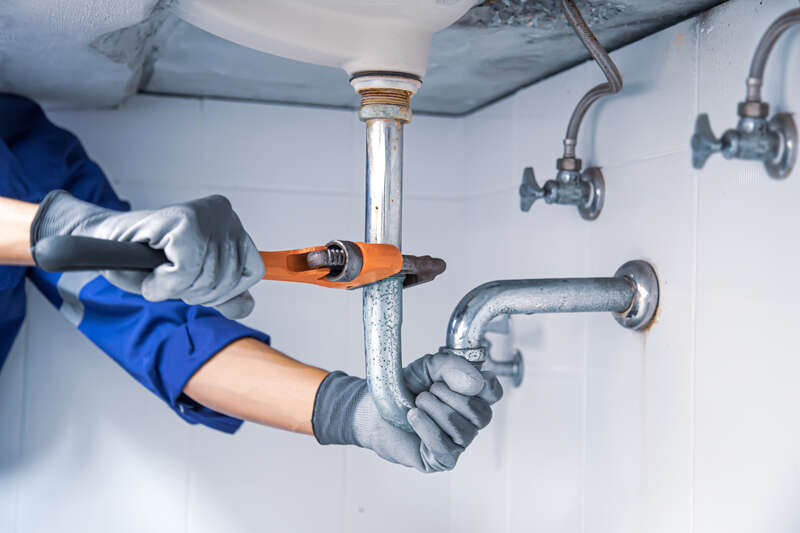
Plumber working on a pipe repair

Keep the form as short as the decision requires

Baymard’s 2024 checkout research found that the average checkout contains 11.3 form fields and that 18% of users abandon because the flow feels too long or complex.5 Baymard also found that multicolumn forms lead to more misreading and skipped fields than single-column layouts.6

Again, a plumbing form is not a checkout, but the friction lesson still applies. Emergency forms should be especially short. Planned project forms can ask a little more if those extra details materially improve routing or follow-up, but they should still feel easy to begin.

If a form looks like homework, the page has waited too long to earn the ask.

One page can talk to both lead types, but it usually does neither especially well

If you want cleaner messaging, cleaner reporting, and better optimization, separate the experiences. Let emergency pages feel urgent. Let planned-project pages feel consultative. Then measure them like they are different jobs, because they are.

Sources

  1. Google Ads Help: About ad quality

  2. Google Ads Help: Evaluate the performance of your landing pages

  3. Google Ads Help: About conversion tracking

  4. Google Ads Help: Smart Bidding

  5. Baymard: Checkout Optimization - 5 Ways to Minimize Form Fields in Checkout

  6. Baymard: Form Field Usability - Avoid Extensive Multicolumn Layouts

Call nowGet a free quote